Search or Browse
Type a weapon name into the search field or use the category buttons to narrow the library.
Gunshot Sound Effect soundboard lets you explore a clean weapon library where every gun uses its own audio clip. Browse by category, preview instantly, and download the exact sound you want.
Click “Shoot” to play sound or “View” for details.
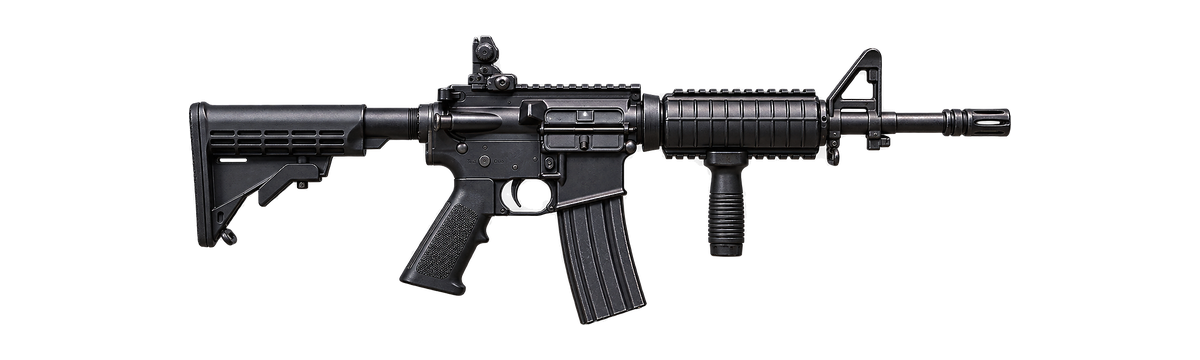
Gunshot Sound Effect is built as a simple browser-based sound library where you can search a weapon name, choose a category, preview a matching audio clip, and open a dedicated page for more information. The homepage keeps the soundboard at the center of the experience so you can compare sounds without moving through multiple menus.
The collection covers pistols, assault and battle rifles, classic and sporting rifles, shotguns, submachine guns, machine guns, sniper rifles, launchers, explosives, and special effects. Each card includes a weapon image, category label, a Shoot button for playback, and a View link for the individual sound page. Search and category filters help narrow the list when you already know the type of effect you need.
Because gunshot audio contains sharp transients, the site also includes volume guidance, format information, troubleshooting, and practical editing notes below the soundboard. Start with a comfortable playback level, especially when using headphones or studio monitors.
The soundboard is designed to be fast enough for casual browsing but structured enough for users comparing several weapon effects for an editing project.
Type a weapon name into the search field or use the category buttons to narrow the library.
Review the weapon image, name, and category before opening or playing the sound.
Use the Shoot button or tap the weapon image to trigger the mapped local audio preview.
Move to another card for comparison or use View to open the dedicated weapon page.
Different weapon categories have noticeably different transient character, low-frequency energy, tail length, and perceived loudness. The category filters above make it easier to compare similar sounds.
Short, sharp handgun reports including service pistols, revolvers, and compact sidearms.
Rifle-style effects with a harder midrange crack and a stronger body than most handgun sounds.
Broad, heavy reports that often feel wider and more forceful in the low and low-mid range.
Compact automatic-weapon style effects suited to fast, tight, repeated playback sequences.
Heavier automatic weapon sounds with strong mechanical character and sustained burst potential.
Precision-rifle style reports that can combine a strong initial crack with a longer tail.
Launcher and rocket-style effects with a larger low-frequency body and more dramatic impact.
Grenades, bomb-style effects, and other non-standard sounds that sit outside normal firearm categories.
| Format | Best for | Main advantage |
|---|---|---|
| WAV | Editing and production | Uncompressed audio and easier repeated processing |
| MP3 | Quick sharing and smaller files | Compact file size and broad compatibility |
| One-shot clip | Games, UI triggers, precise editing | Single clean transient with a controlled tail |
| Multiple-shot clip | Action sequences and burst effects | Several reports already arranged in one file |
A louder clip is not automatically a better clip. For editing, the important details are a clean transient, usable headroom, an appropriate tail, and a format that matches your workflow.
WAV files are generally easier to process repeatedly because they do not rely on lossy compression. MP3 is convenient when size matters or when a sound needs to be shared quickly. For games and interactive interfaces, one-shot files are especially useful because the application can trigger each sound exactly when an event occurs.
Before exporting a project, compare the gunshot against dialogue, music, and ambience. A sound that feels balanced in isolation may become too aggressive once placed into a complete mix.
Place single or repeated effects on an editing timeline and synchronize them with visual action.
Use short one-shot audio for interaction tests, soundboards, mockups, and game prototypes.
Layer weapon reports with impacts, environment tails, and movement sounds for a fuller scene.
Compare tonal character across pistols, rifles, shotguns, launchers, and other categories.
The download area provides access to the archive linked by this project. The Shoot buttons on weapon cards are for browser playback; they do not start a file download.
For editing, keep the original file in a separate folder and work from a copy. This makes it easier to compare versions after EQ, compression, trimming, fades, or level adjustments.
Download Gunshot Sound Effect LibraryExternal archive source. Check the source license and included terms before redistribution or commercial use.
Gunshot sounds contain very fast peaks. A playback level that feels comfortable for music can feel much stronger when a sudden transient is triggered.
These supporting pages cover common search intents around formats, download use, ringtone preparation, troubleshooting, volume, single shots, and multiple-shot effects.
Quick answers about playback, searching, downloading, formats, categories, and using the soundboard.